
Displaying Related Posts
Different Methods for Displaying Related Posts
Section titled “Different Methods for Displaying Related Posts”Display in a widget
Section titled “Display in a widget”The easiest way to display any related posts you have set is by using a widget. You can add the Custom Related Posts widget on the Appearance > Widgets page.
Here we’ve added a widget to the footer, for example:
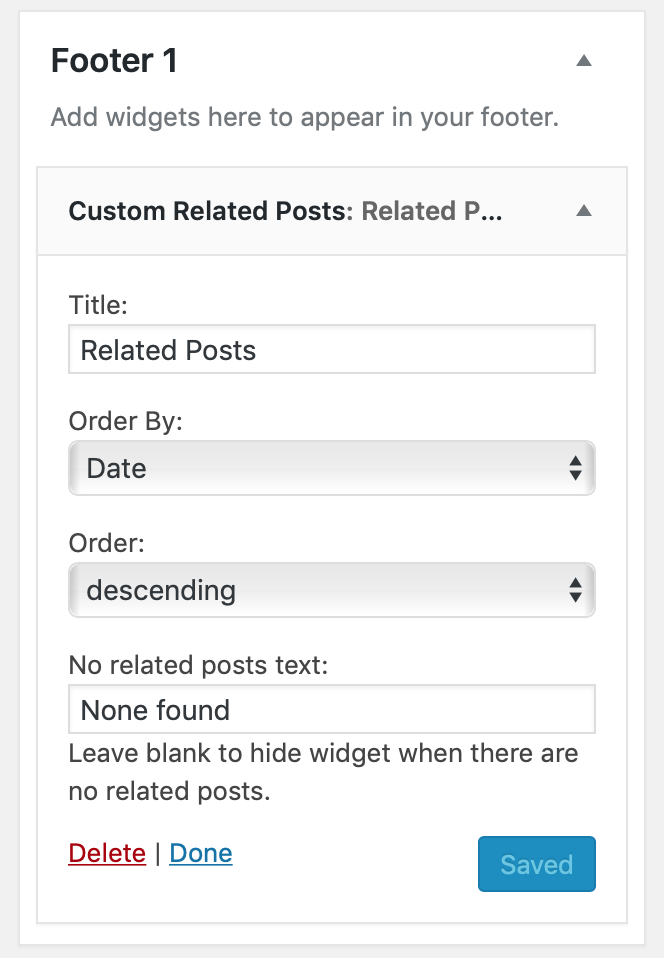
Use the options to change the text that gets displayed and the order of related posts.
Display using the block
Section titled “Display using the block”In the Block Editor you can click on the + icon to add the Custom Related Posts block to your post:
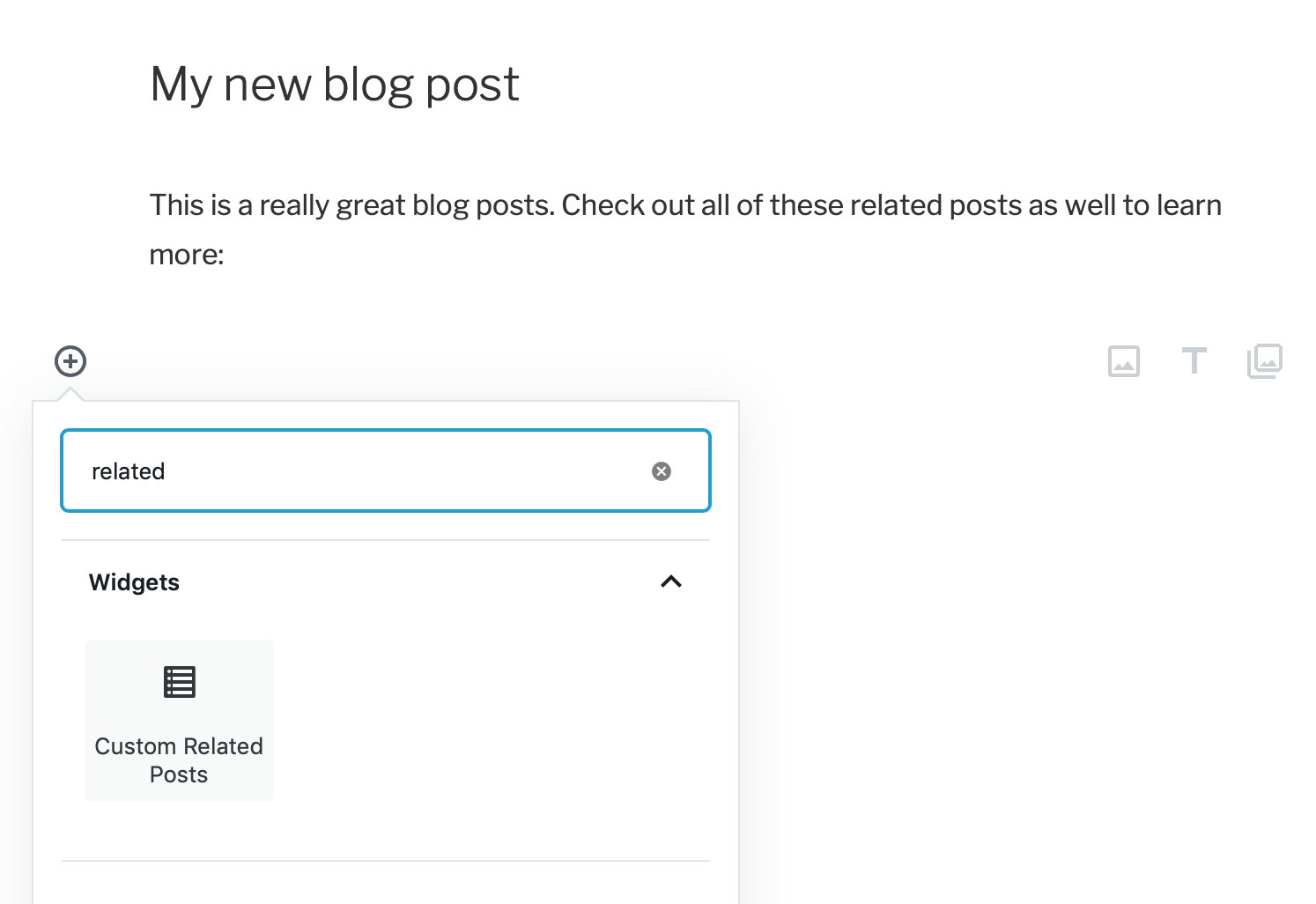
When selecting the block you’ll find the display options in the sidebar.
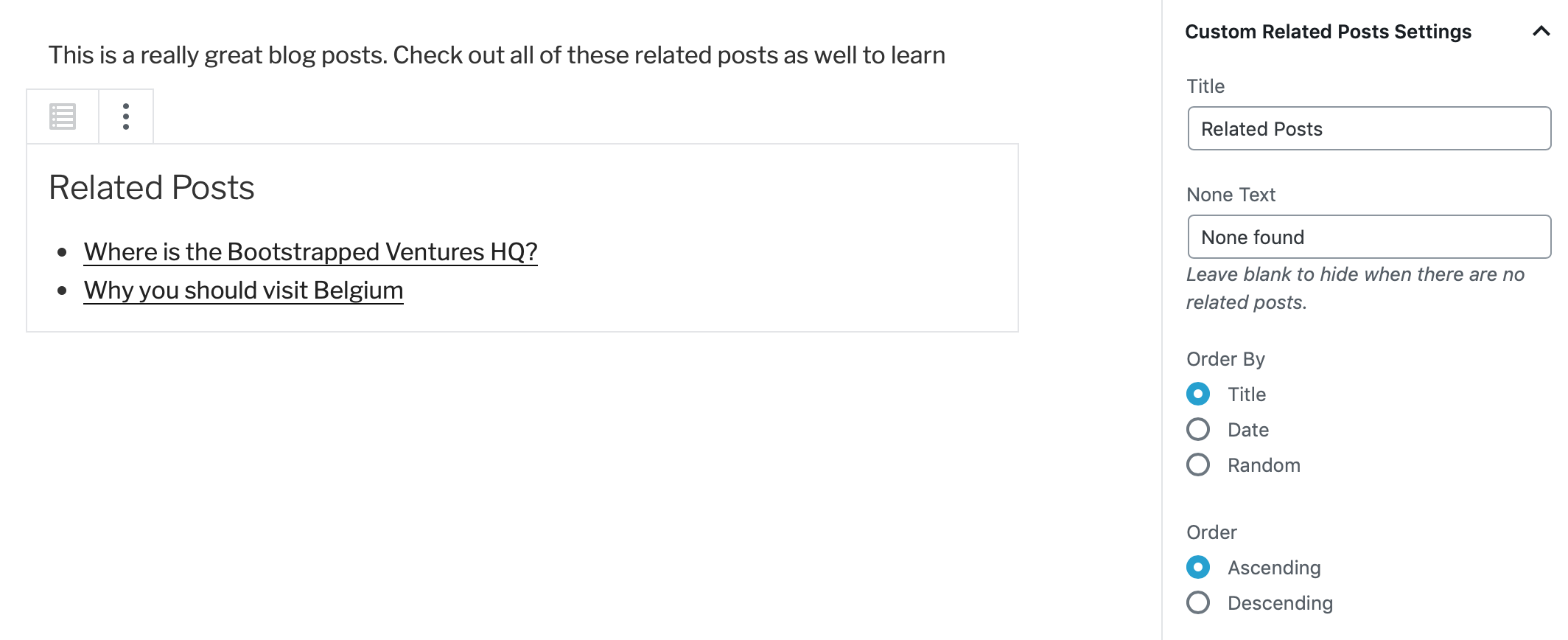
The block will show a live preview of the related posts.
Display using the shortcode
Section titled “Display using the shortcode”The [custom-related-posts] shortcode can be typed anywhere you want your related posts to display. The same options as in the widget and block are available like this:
[custom-related-posts title="Related Posts" none_text="None found" order_by="title" order="ASC"]Display in your theme code
Section titled “Display in your theme code”Want the related posts to show up in a specific location in your theme? The shortcode can be displayed anywhere in your theme files using PHP like this example:
<?php echo do_shortcode( '[custom-related-posts]' ); ?>Use the shortcode parameters as shown above.
Hiding Related Posts when there are none
Section titled “Hiding Related Posts when there are none”By default, the related posts will show “None found” if no related posts have been set for a particular post. With the “None text” attribute you can change that text, or set that attribute to be empty to not have the related posts section show up at all, if there aren’t any to display.
With the shortcode it could like this, for example:
[custom-related-posts none_text=""]Similarly the title can be set to an empty value, to not have it show up at all.