
Changing the template style
On the Settings > Visual Link Preview page you can enabled the “Use Custom Styling” setting allowing you to change the style of the visual link.
Here is just one example of what can be achieved by simple playing around with the settings:
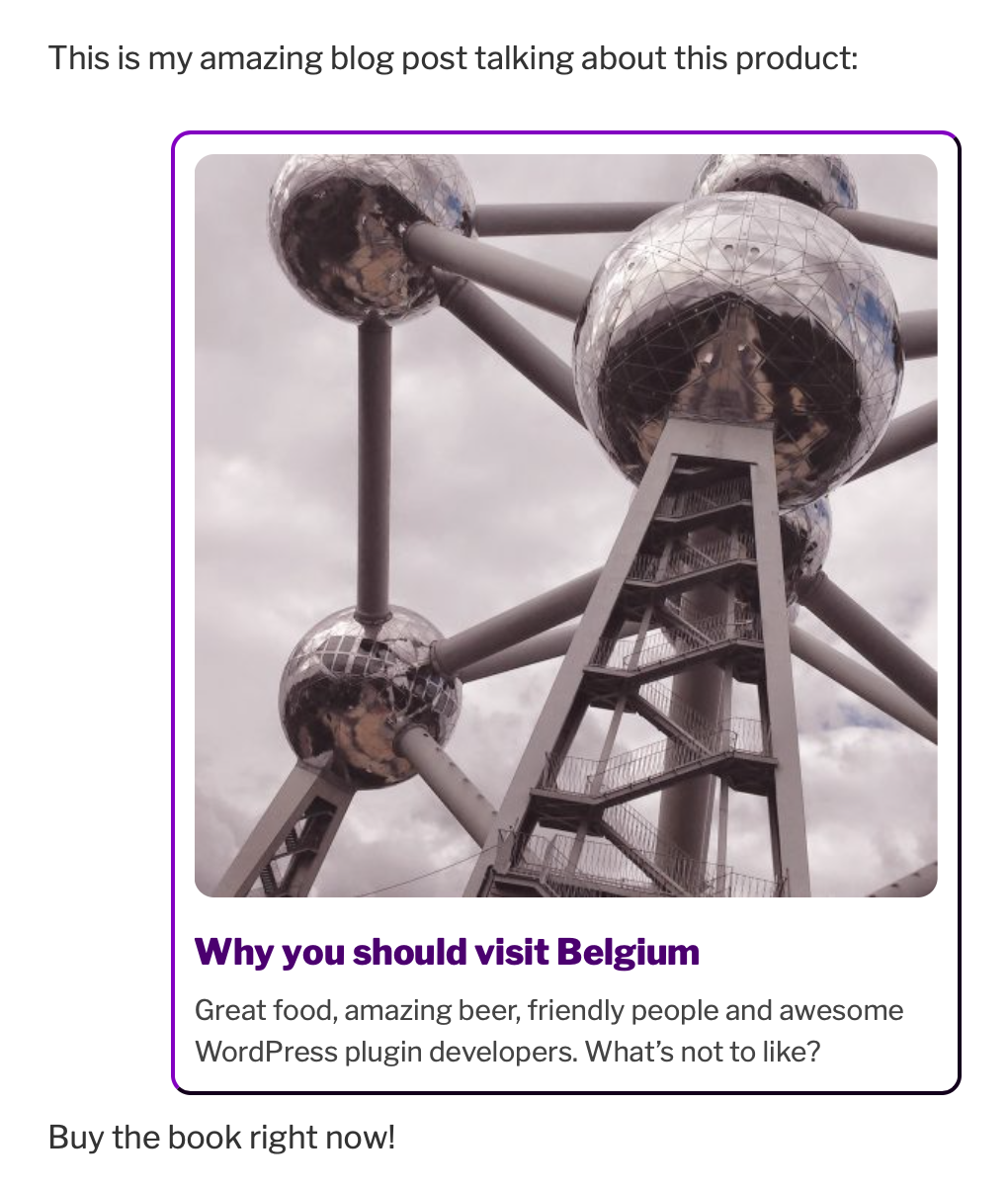
For even more customization options, the Link Template Editor is available as well. Advanced users also have the ability to code their own template.
Changing the image size
Section titled “Changing the image size”The image size fields expects either the name of a thumbnail size or a specific size in this format: width_x_height
Example thumbnail sizes: thumbnail, medium, largeExample specific sizes: 100×100, 50×50
If you need the thumbnail cropped a specific way we recommend using the Simple Image Sizes plugin to create that thumbnail size.