
Limit Items
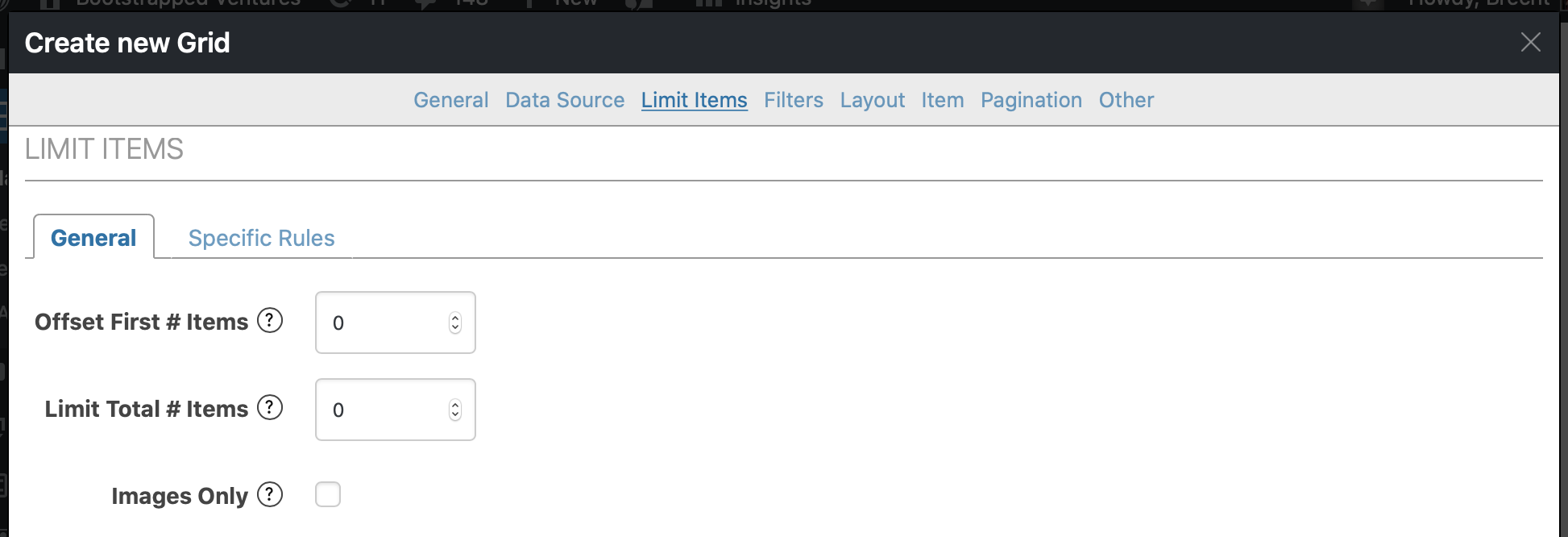
On the Limit Items tab you can limit the items that are displayed in the grid.
General
Section titled “General”There are a few general options, like limiting the total number of items, displaying only items that have an image or setting an offset, basically skipping the first x items.
Specific Rules
Section titled “Specific Rules”You’ll get a lot more options on the Specific Rules tab.
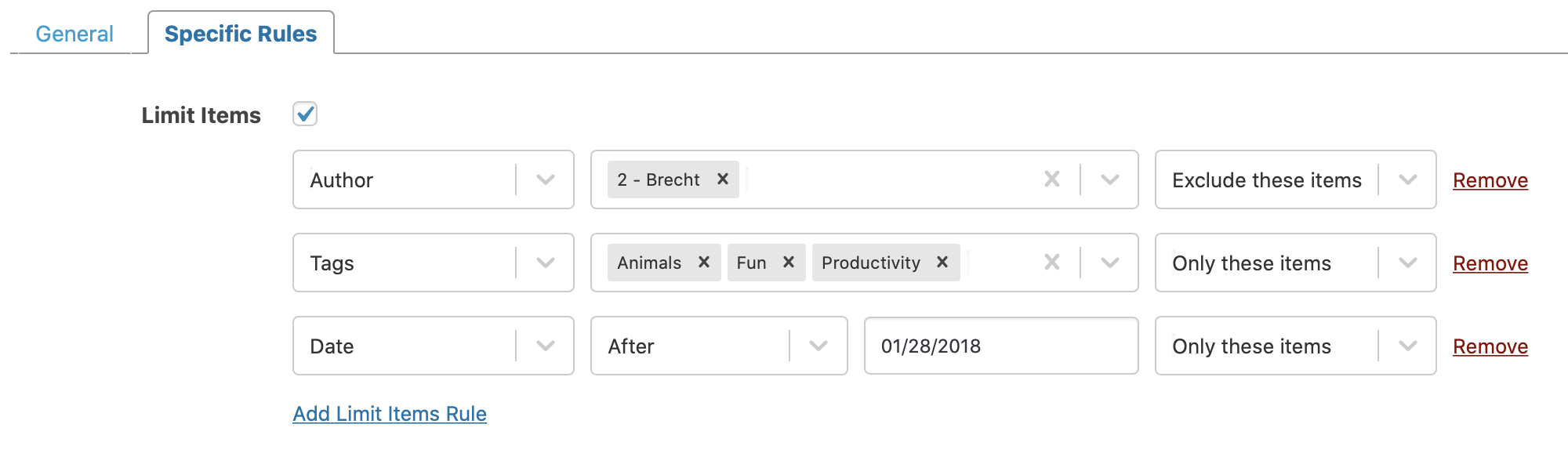
After enabling Limit items you can add as many limit rules as you want. These are the options available for limiting:
-
Author
Use to limit the grid by item author.
-
Date
Include/exclude items that were published before, after or on a specific date.
-
ID
Limit by exact Post ID.
-
Taxonomies
You can limit by any taxonomy associated with the post types in the grid (think categories, tags, …).
-
Custom Field
It’s also possible to limit by a specific custom field. When you select this option, make sure to set the custom field key as well (will look something like this: your_custom_field)
Apart from these limit rules, you can also use the Dynamic Limiting feature.