Classes you can use in the grid template editor
Just getting started with the Template Editor? Check out the main documentation first!
When in “Edit HTML” mode in the Grid Template Editor you can directly edit and add any HTML you want. We’ve also provide some classes you can use to achieve some common
Aligning elements in the grid template
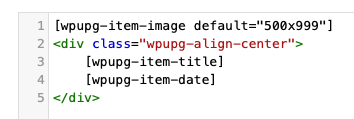
Section titled “Aligning elements in the grid template”The wpupg-align-left, wpupg-align-center, wpupg-align-right classes can be used for aligning elements in the template editor. Add a surrounding div container with the alignment class you want like in this example, where the title and date will be centered:
Show specific elements on hover
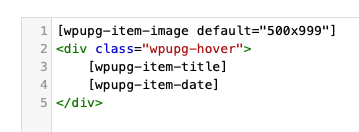
Section titled “Show specific elements on hover”The wpupg-hover class can be applied to an HTML element to have that element only show up on hover (when the visitors moves their mouse over the grid item).
This HTML code will only show an image by default and the title and date will show up on hover, for example: