
Editing a recipe
Editing a recipe in the Block Editor
Section titled “Editing a recipe in the Block Editor”Select the recipe block on click on the edit icon in the toolbar.
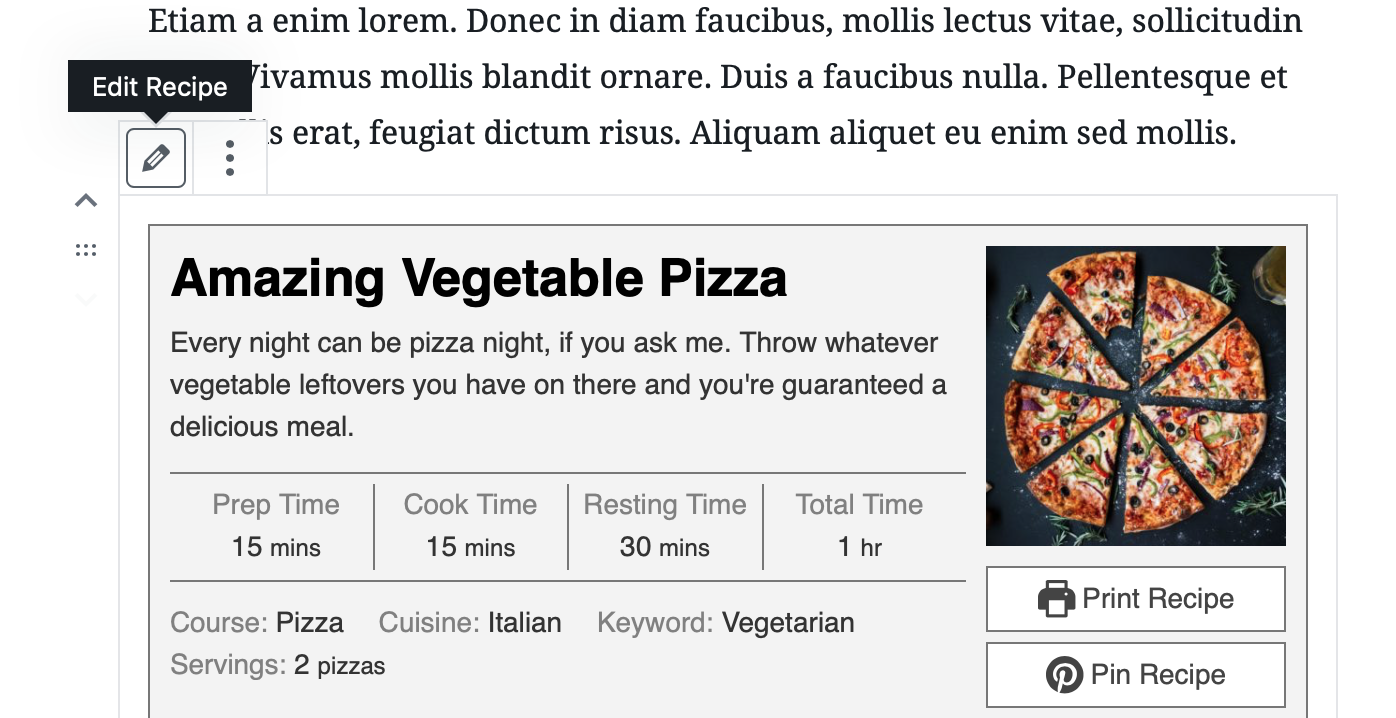
Depending on your Block Editor View Preferences, the toolbar could be right above/below the recipe block or at the very top of the screen. Once you have the recipe block selected, look for the pencil icon.
Editing a recipe in the Classic Editor
Section titled “Editing a recipe in the Classic Editor”You can edit a recipe by clicking on the Preview in the Visual Editor.
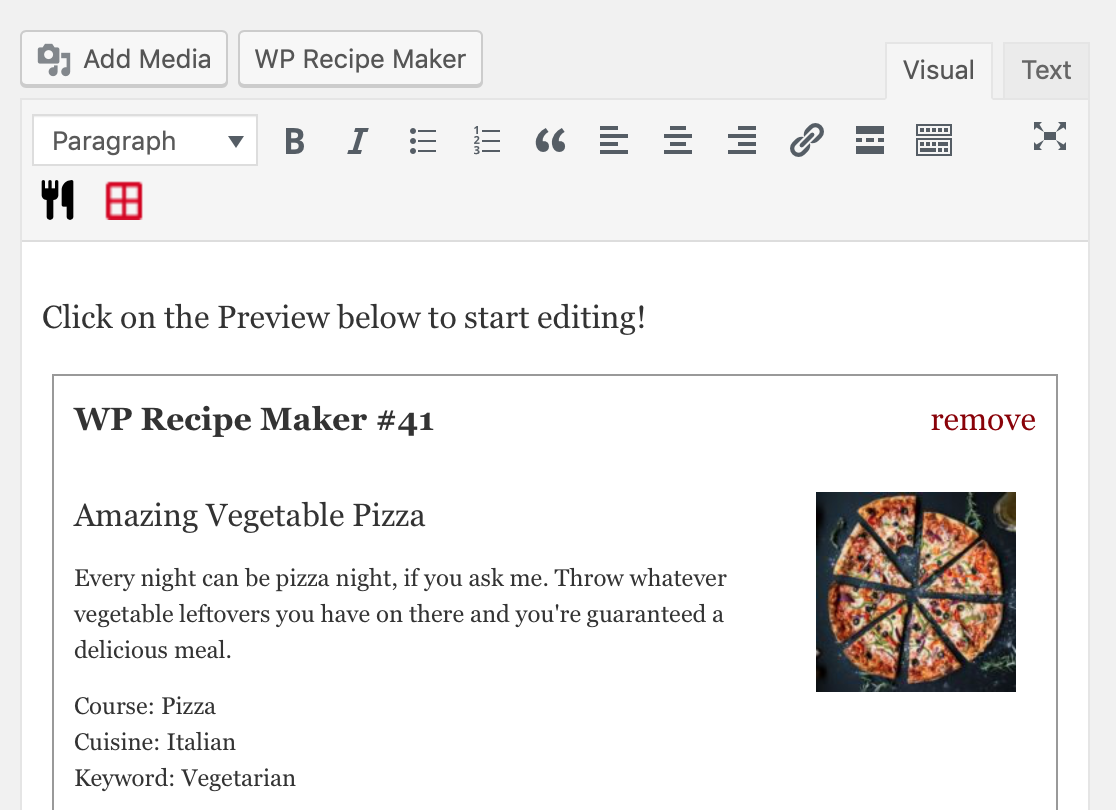
Another option is to click on the “WP Recipe Maker” button on top and use “Edit Recipe” on the left to edit any recipe you want.
Editing a recipe on the Manage page
Section titled “Editing a recipe on the Manage page”On the WP Recipe Maker > Manage page, click on the “Edit Recipe” icon:
