Pin Recipe Image
The “Pin Recipe” button allows your visitors to easily pin the recipe image. With the Premium plugin and upwards you can set a custom image to use for this pin button, instead of the default recipe image.
You might have to add the Pin Button to your recipe template in the Template Editor.
Changing the description used for the pin
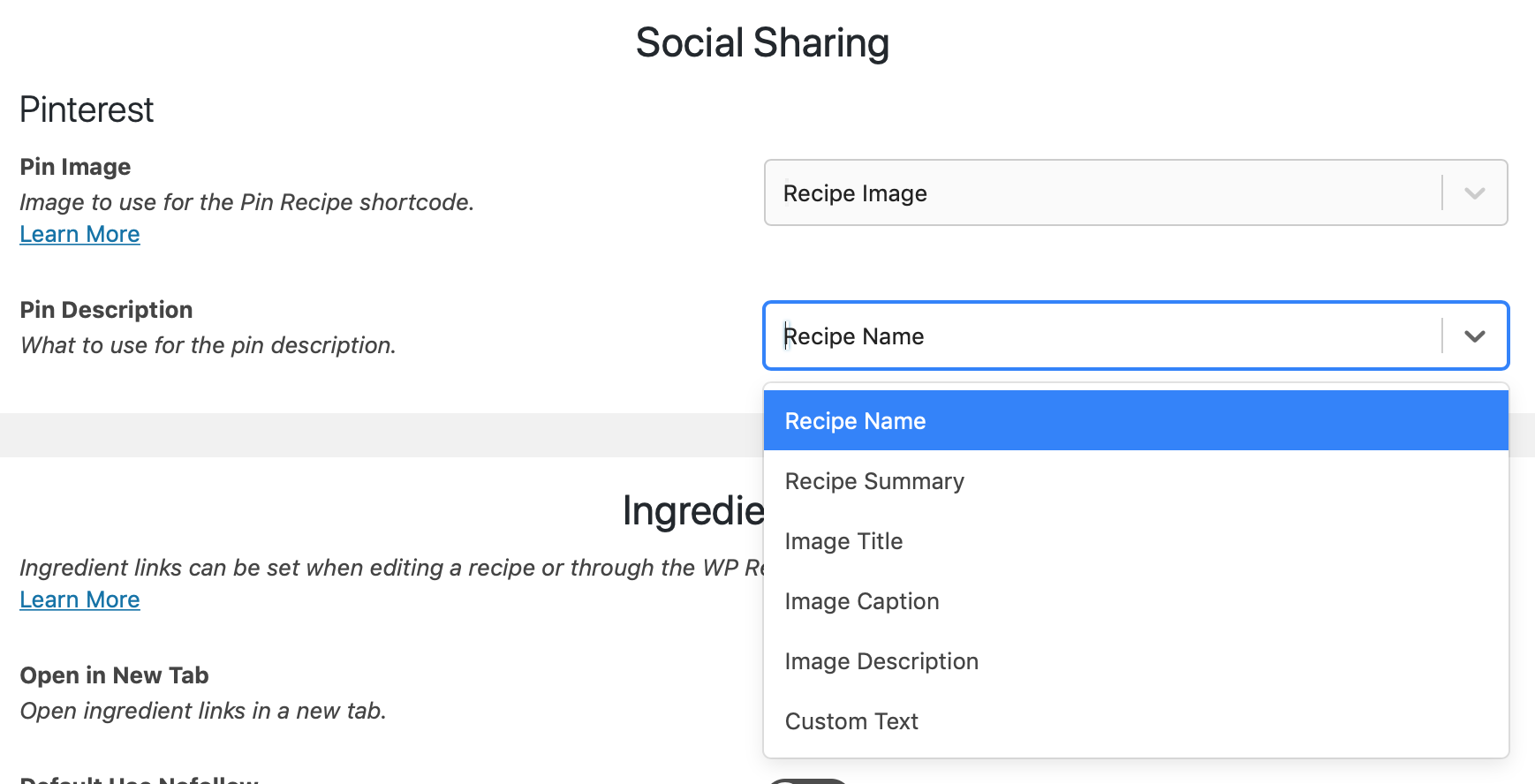
Section titled “Changing the description used for the pin”On the WP Recipe Maker > Settings > Social Sharing page it’s possible to change the text used for the pin description:
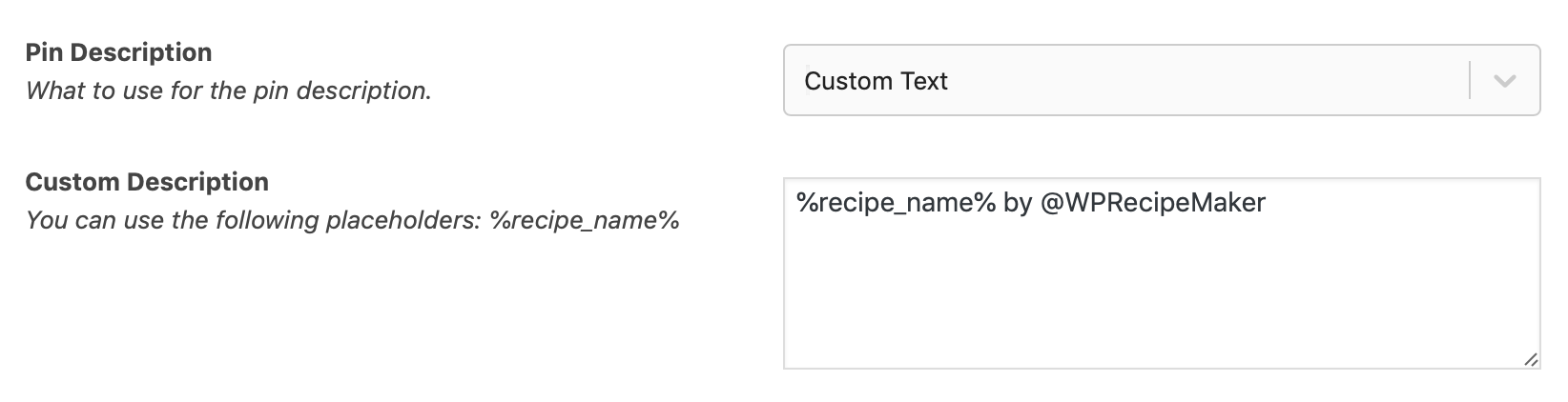
Use custom text option to use the same sort of description for every pin: