
Displaying the Recipe Collections feature
Go to Pages > Add New to create a regular page that you can add the feature to.
Adding Recipe Collections in the Gutenberg Block Editor
Section titled “Adding Recipe Collections in the Gutenberg Block Editor”Click on the + icon and select the Recipe Collections block:
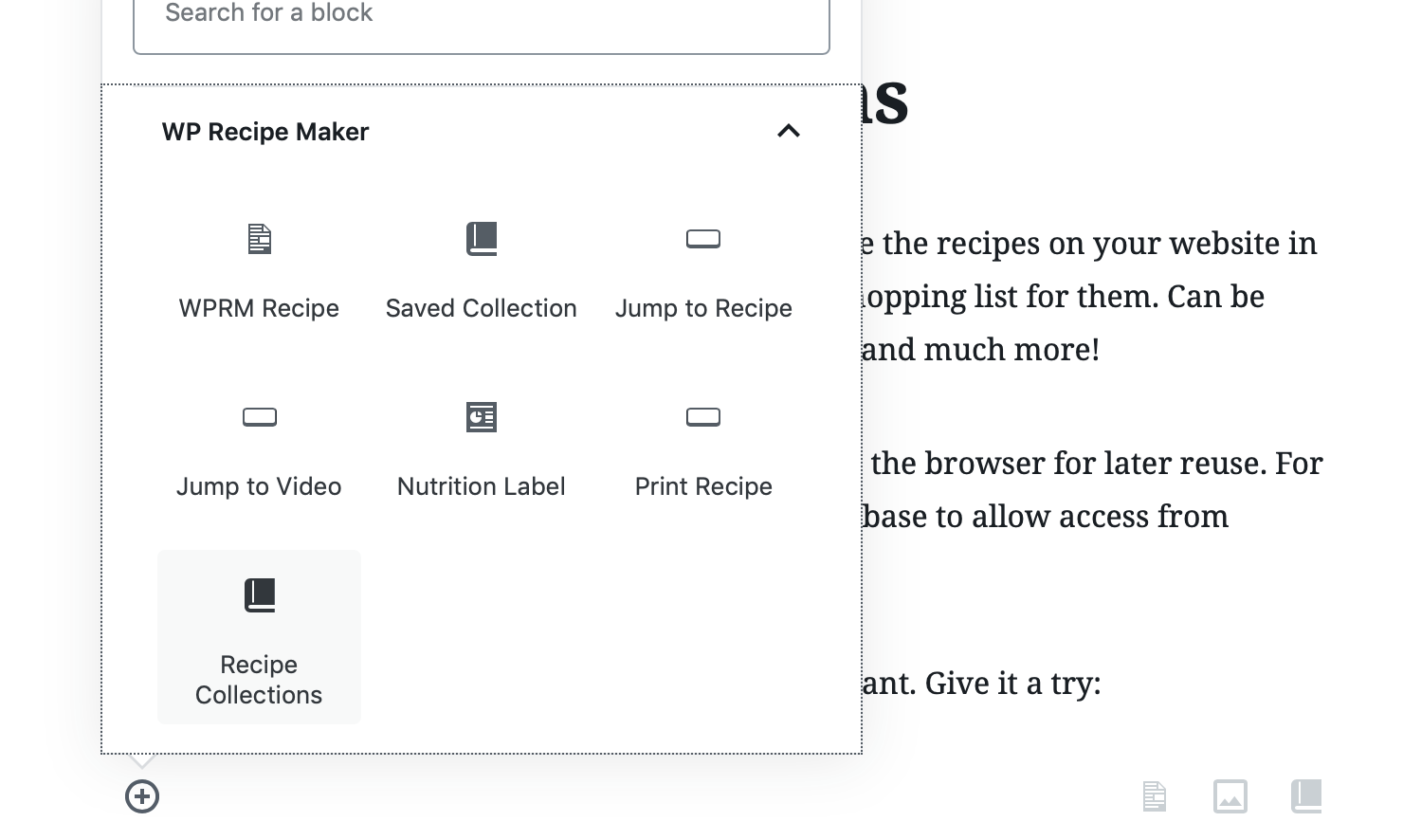
That’s it! The Recipe Collections feature will get displayed in the same location as that block.
Adding the shortcode in the Classic Editor
Section titled “Adding the shortcode in the Classic Editor”In the classic editor you type in the [wprm-recipe-collections] shortcode where you want the feature to appear or use the WP Recipe Maker button to add the shortcode:
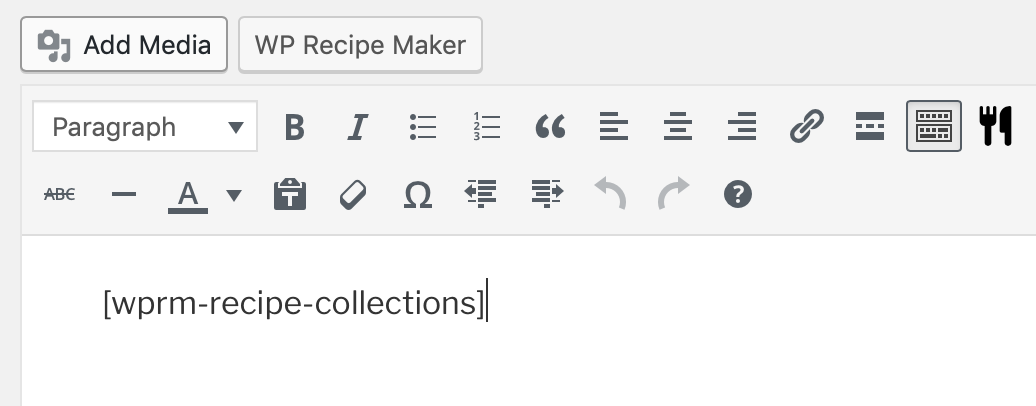
Updating the Settings
Section titled “Updating the Settings”Once you’ve added the collections feature to a page on your website, make sure to then update the “Link to Collections feature” setting on the WP Recipe Maker > Settings > Recipe Collections page.
It should be a link to the page including the collections block/shortcode:
