
Custom Recipe Fields
Need more flexibility? With the Pro and Elite Bundle you can create any custom field you need through the WP Recipe Maker > Manage > Your Custom Fields > Custom Fields page:
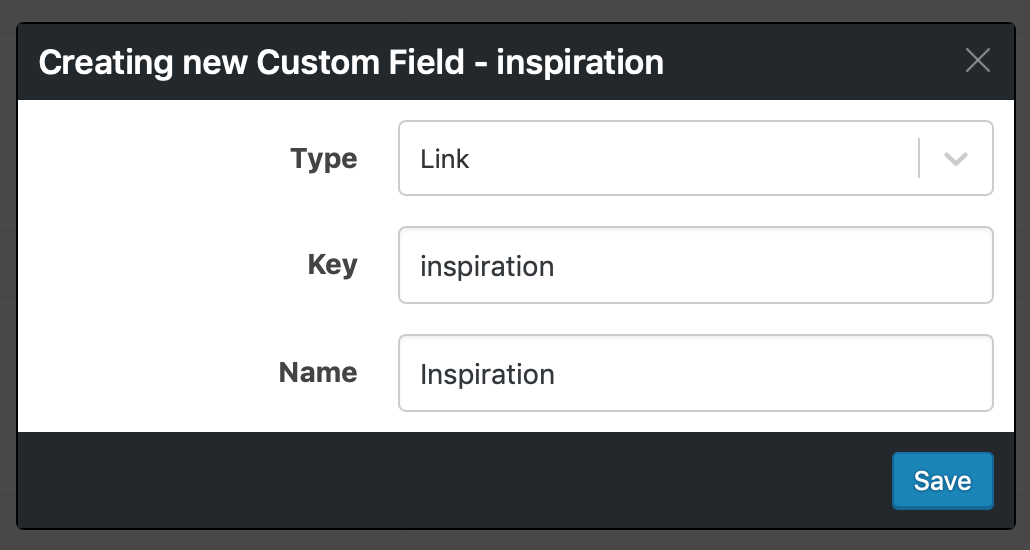
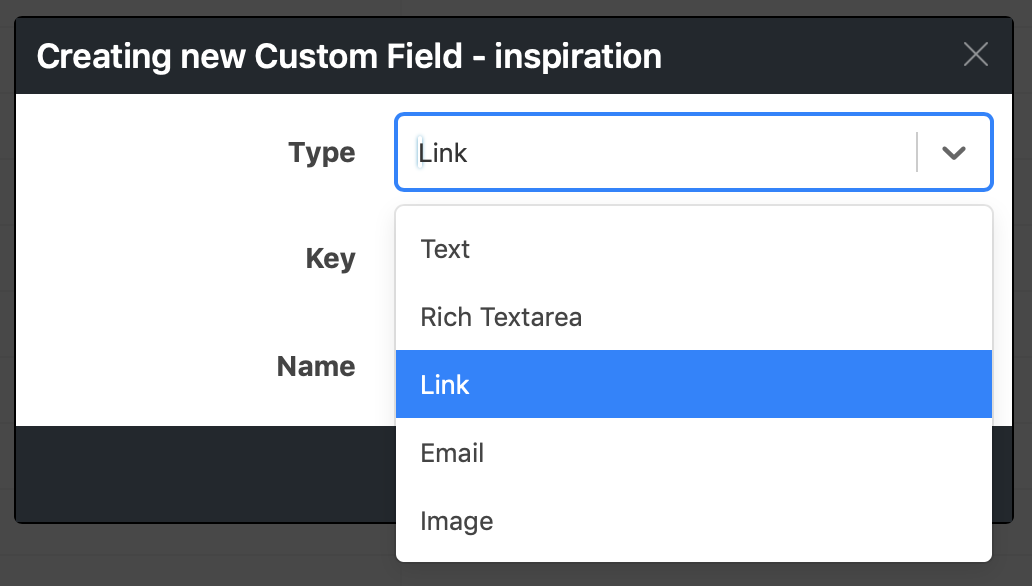
Different field types are available for you to create (but can’t be changed afterwards!):
How to set a custom field value
Section titled “How to set a custom field value”When editing a recipe you’ll see a new “Custom Fields” section where you can fill in the value as needed:

How to display a custom field in the Recipe Template
Section titled “How to display a custom field in the Recipe Template”Before a custom field will get displayed it has to be added to the recipe template using the Template Editor. Go to “Add Blocks” and you’ll find a “Recipe Custom Field” and “Recipe Custom Field Container” block available to add to the template:
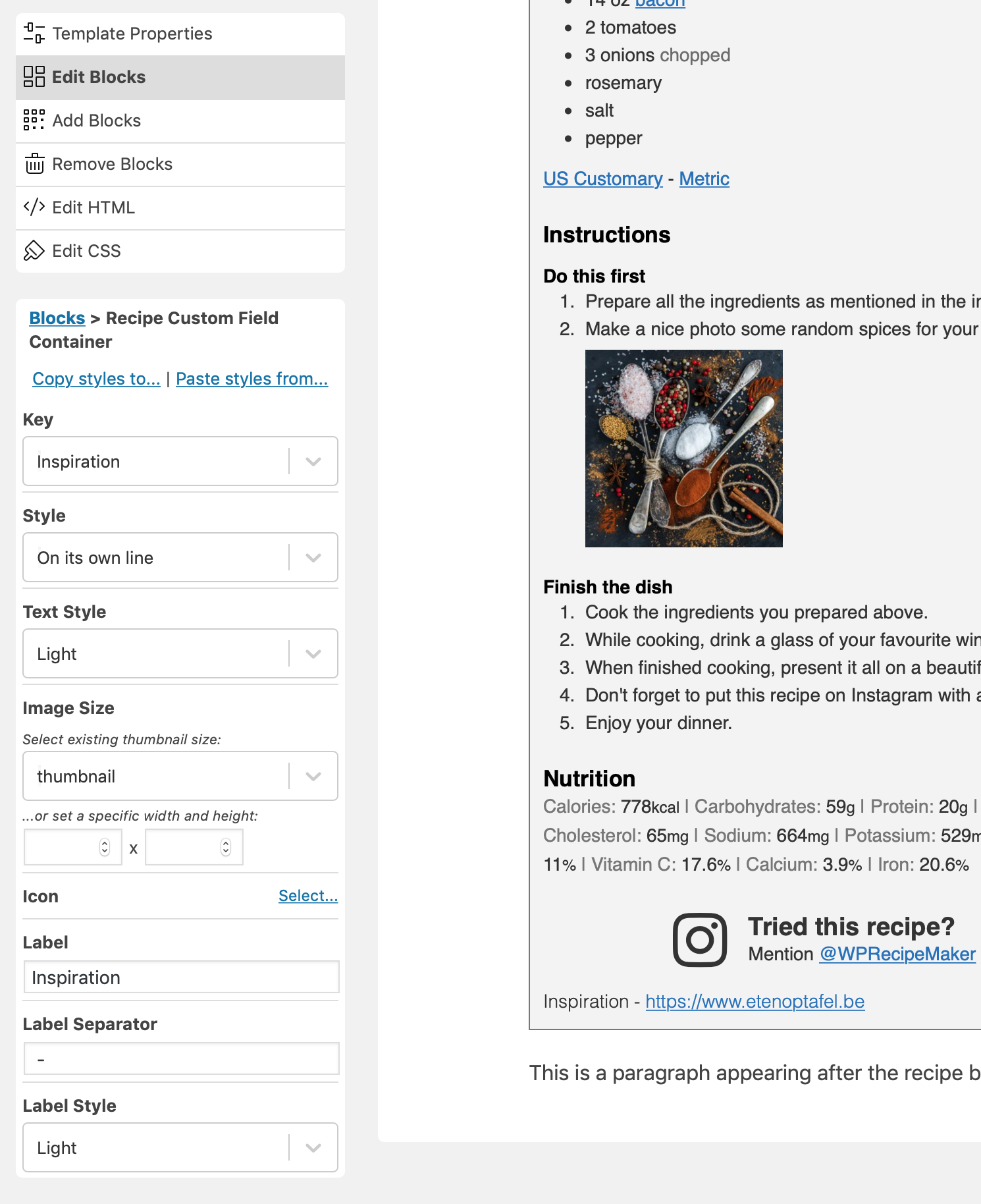
Not sure how to get to this screen? Make sure to read the Template Editor 101 documentation!