
Changing template fonts
Just getting started with the Template Editor? Check out the Template Editor documentation first!
Go to “Template Properties” mode to change the template font families and sizes. Font properties will be grouped together:
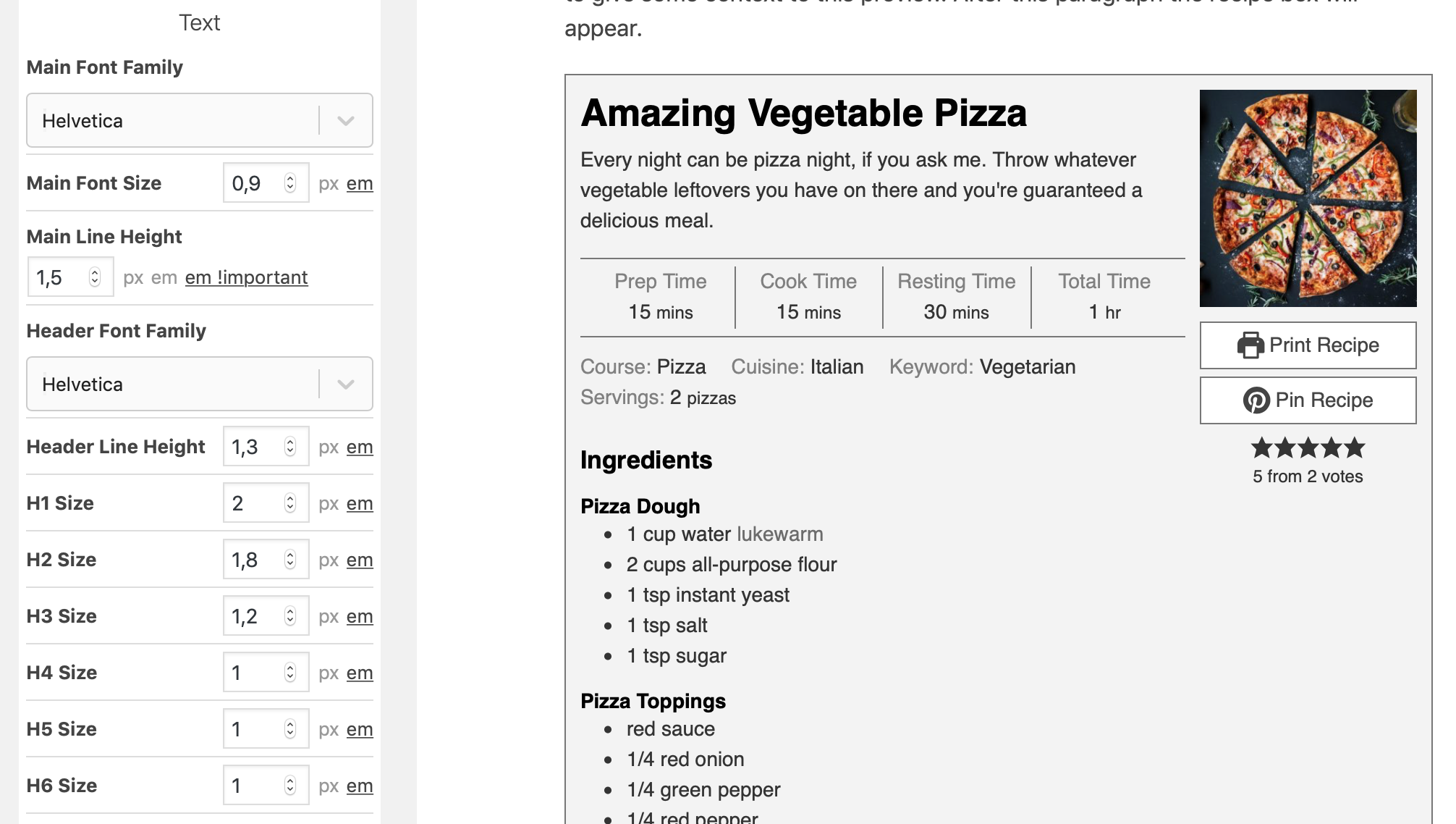
Choosing a font family
Section titled “Choosing a font family”Open a font family dropdown to choose a font from the list.
The fonts listed in the “Google Fonts” groups are included with WP Recipe Maker. Their font files are hosted by the plugin on your own website, so you do not need to load them through your theme or connect to the Google Fonts service.
To use a different font that is already loaded on your website, choose Set custom font and enter its font family name. This selects the font; it does not upload or load font files for you.
Choose Inherit from parent to use the font from the surrounding page, usually set by your theme. This can help your recipe card match the rest of your site.
The font looks different on my actual website?
Section titled “The font looks different on my actual website?”The preview does not load your theme CSS at the moment, so it’s possible that your template looks slightly different on your actual website. We are looking for a solution!